




- Published on: 2026-09-29 10:12:00
What Is MT4 Used For in Forex Trading?
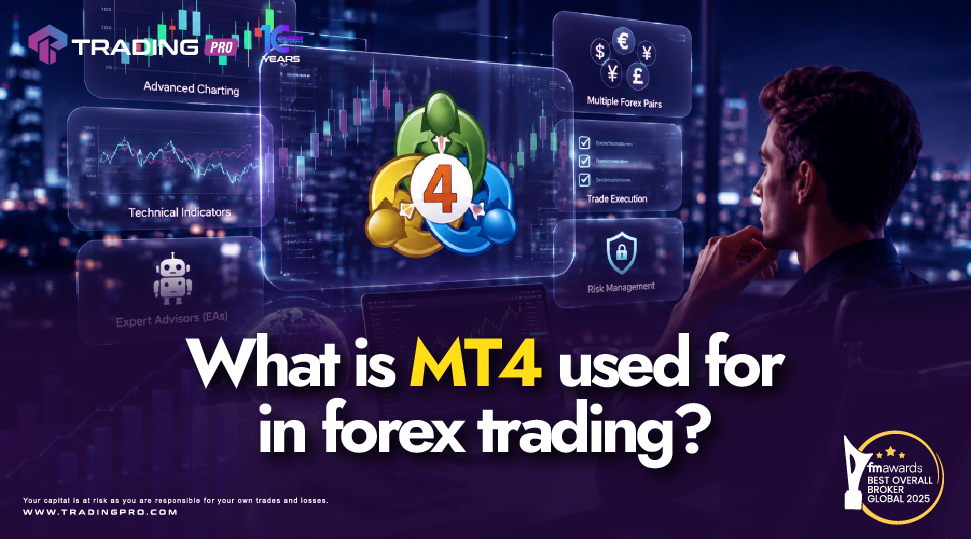
Entering the foreign exchange market requires software that translates live market movements into clear, actionable opportunities. MetaTrader 4, commonly known as MT4, serves as the primary software bridge connecting individual retail traders to global financial markets.
While recognized globally as the standard forex trading platform, many newcomers ask: What is MT4 actually used for in daily forex trading?
At its core, MT4 acts as your personal operational command center. Beyond standard currency pairs, brokers configure the platform to offer CFDs across multiple financial instruments. It allows you to monitor real time prices, perform technical analysis, execute market positions, test trading concepts, and manage financial risk. Understanding how mt4 work across these practical use cases is essential for building a structured trading routine with TradingPRO.
1. Trading Forex and Multi Asset CFDs
While MT4 was originally built for forex trading, its modern framework allows brokers to expand access to a wide variety of global markets through Contracts for Difference (CFDs).
When using the MT4 trading platform, traders can access several asset classes from a single screen:
- Spot Forex Pairs: Trading major, minor, and exotic currency pairs like EUR/USD, GBP/USD, and USD/JPY.
- Equity Indices: Tracking major global stock market benchmark indices such as the S&P 500, FTSE 100, and DAX.
- Commodities: Accessing popular hard and soft commodities including gold, silver, crude oil, and natural gas.
- Individual Stocks: Speculating on shares of publicly traded global corporations.
- Cryptocurrencies: Trading digital assets like Bitcoin and Ethereum where local regulatory frameworks permit (for example, retail traders in the UK are restricted from trading crypto CFDs).
Having all these asset classes available in one workspace simplifies portfolio diversification for beginners.
2. Essential Trading Activities on MT4
Traders rely on the MT4 platform features to conduct four core daily activities:
Technical Analysis
MT4 provides interactive candlestick, bar, and line charts across 9 timeframes. Traders apply built in technical indicators (such as Moving Averages or RSI) and graphic drawing tools (like trendlines and support or resistance zones) to identify potential market entry and exit points.
Trade Execution
Opening, modifying, and closing positions can be done manually with a single click or configured through automated pending orders. Market Execution enters trades instantly, while Pending Orders trigger trades automatically when price hits a target level.
Strategy Backtesting
Before risking real capital, traders use historical market data within MT4 to test manual rules or trading algorithms. Evaluating performance metrics against past price movements helps traders understand how a strategy might perform in live market conditions.
Risk Management
Protecting trading capital is a fundamental part of learning how to trade forex on MT4. The platform enables you to attach Stop Loss (SL) and Take Profit (TP) parameters to every order, clearly defining your risk to reward parameters before entering a trade.
3. Leverage and Regulatory Context in Forex Trading
Understanding how leverage works within MT4 is crucial for forex trading for beginners. Leverage allows traders to control larger position sizes with a smaller initial deposit, amplifying both potential gains and potential losses.
Regulatory frameworks vary globally regarding leverage caps:
- Regulated Regions (UK and EU): Authorities such as the FCA and ESMA limit maximum retail leverage to 1:30 for major currency pairs to protect retail investors.
- International Jurisdictions: Depending on your jurisdiction and broker entity, higher leverage levels (such as 1:100 to 1:500) may be accessible to traders outside strict retail restriction zones.
Brokers like TradingPRO provide clear leverage guidelines so traders can select account parameters aligned with their individual risk tolerance.
4. Account Tracking and Performance Monitoring
MT4 functions as a real time record keeper for your trading activity. Inside the lower Terminal panel, traders can monitor critical account metrics at a glance:
- Balance and Equity: Tracks your settled cash balance alongside live floating profit or loss.
- Margin and Free Margin: Shows the collateral locked in active trades versus the capital available for opening new positions.
- Account History: Stores a complete historical ledger of closed trades, deposits, and withdrawals, making performance review straightforward.
Why Choose TradingPRO for Your MT4 Trading?
Knowing what MT4 is used for is only the first step; pairing the platform with a transparent financial service provider ensures optimal execution quality. TradingPRO offers a high performance environment tailored for new and experienced traders.
Here is why TradingPRO is considered a best MT4 broker choice:
- Seamless Platform Access: Enjoy uninterrupted connectivity to MetaTrader 4 across desktop, web, and mobile devices.
- Fast Order Execution: Benefit from high speed order routing that connects your MT4 commands directly to deep market liquidity.
- Transparent Trading Conditions: Trade major currency pairs and CFDs with competitive spreads and zero hidden fee structures.
- Beginner Friendly Infrastructure: Access flexible account options that accommodate small position sizes, providing an ideal learning environment.
- Dedicated Support: Receive responsive customer service ready to assist you with account setup and platform navigation.
Whether you are following a structured mt4 setup guide or learning how to use mt4 on a practice demo account, TradingPRO delivers the infrastructure you need to trade with confidence.
Frequently Asked Questions
Can I practice using MT4 features without risking money?
Yes. You can open a free demo account through TradingPRO to practice chart analysis, order placement, and risk management using virtual funds under live market conditions.
Do my Stop Loss orders stay active if I close the MT4 app?
Yes. Stop Loss and Take Profit orders reside directly on the broker server. Once an order is placed, your risk parameters remain active even if your MT4 application is closed or your computer is turned off.
Is MT4 free to use?
Yes. downloading and using the MT4 interface through an authorized broker like TradingPRO carries no platform subscription fees.
Conclusion: Start Using MT4 with TradingPRO
MetaTrader 4 remains the preferred choice for traders worldwide because it consolidates multi asset charting, technical analysis, flexible trade execution, and risk management into a single user friendly platform.
Ready to put these features into practice? Visit TradingPRO today to create your account, connect to the MT4 platform, and start your trading journey with a trusted broker partner.


